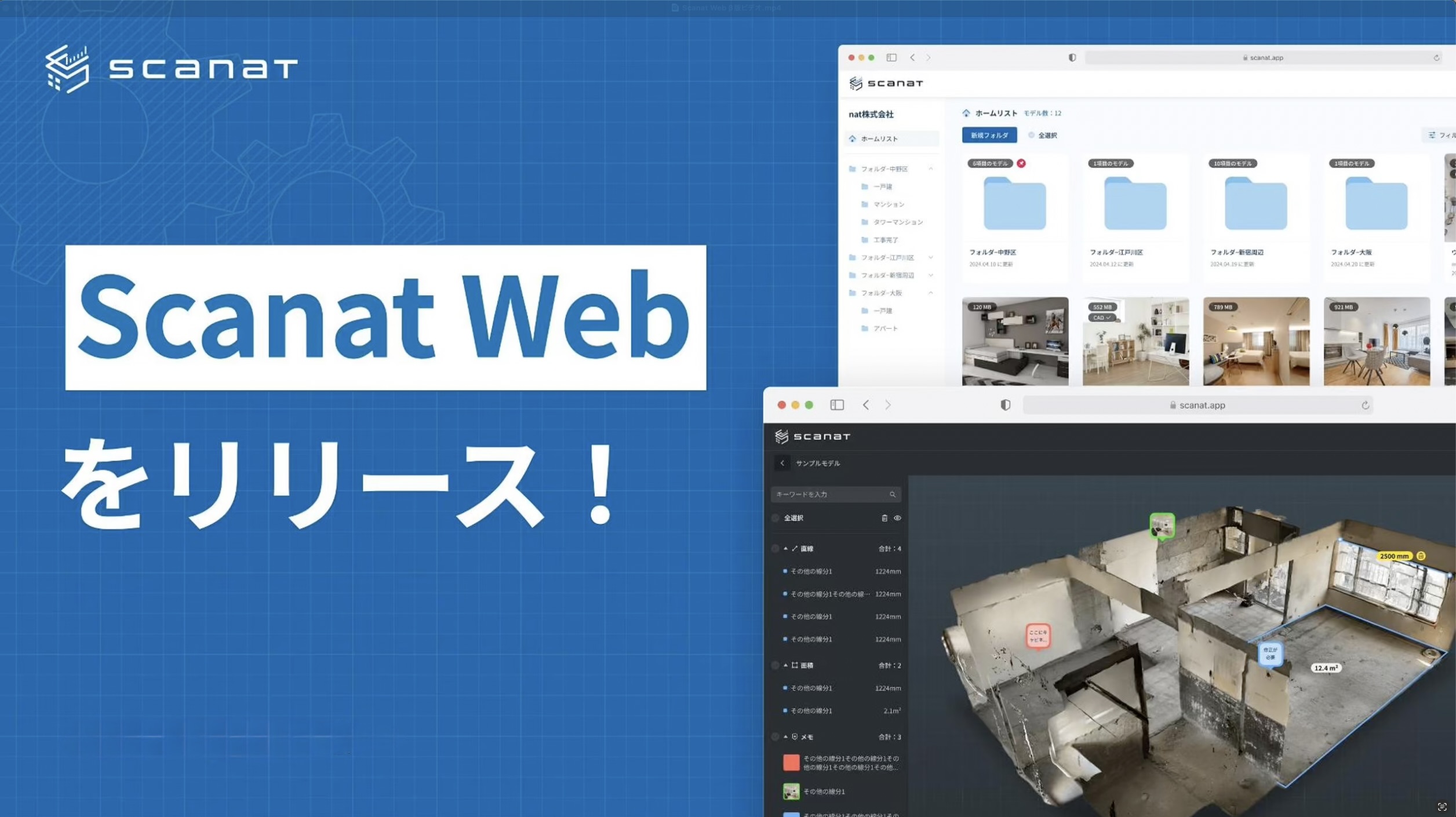
natCo., Ltd. (Headquarters: Minato-ku, Tokyo; Representative Director: 劉 栄駿; hereinafter “the Company”) is pleased to announce the official release of the web version of “Scanat ,” which utilizes the smartphone LiDAR sensors it has developed and provides.

■Development Background
We received requests from many customers saying, “We want to be able to use the software on a PC just like we do on the app” and “We want to share 3D models with our partner companies,” so we have set out to develop these new features.
It has been about a year since the release of the beta version, and with the support of many users and their valuable feedback, we have continued to make improvements.
In particular, the feature that allows users to share 3D models created with “Scanat ” has been very well received, as it allows users to share 3D models created with it via a single web URL, facilitating smooth information sharing with relevant parties. In addition, through our in-house research and development, we have implemented the automatic drawing output feature for “Normal Scan”—a feature requested by many users—and have officially released it.
This feature marks an important first step toward streamlining the automatic conversion of 3D models into drawings. We hope many users will take advantage of this feature and experience the new possibilities it offers.
■Scanat About the Website
New Features in the Official Release
(1) Automatic DXF export feature for floor plans and elevations
・You can export floor plans and elevations (including custom cross-sections) in DXF format from models scanned using the app.
・It is also possible to combine up to four cross-sections and output them.


(2) Curve Measurement Function
・The same features available in the app are also available in the web version.

(3) Label Function
・You can assign labels such as “Living Room” and “Kitchen” to each room.

(4) 360-Degree Photo Embedding and Automatic Virtual Tour Feature
・You can embed 360-degree photos into scanned models and switch to a virtual tour mode.
・Using the highlight feature, you can automatically tour each room.
Existing Features in the Beta Version
(1) Easy synchronization with the push of a button
・You can sync models scanned in the app to the web version with just one click of the upload button.
・Measurement data and notes added in the app can be synced to the web version.

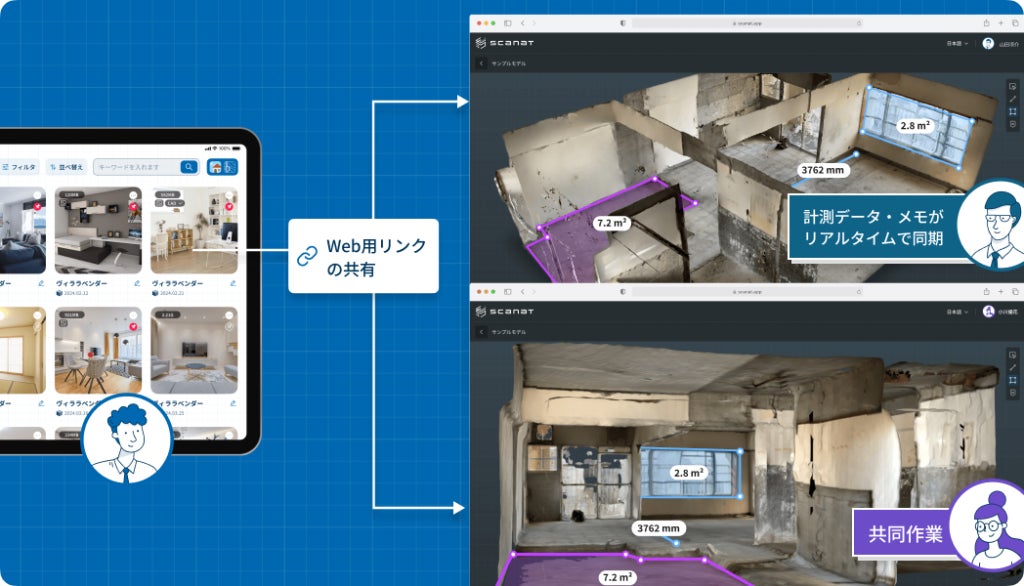
(2) Easily Share Models via Web Links
・You can generate web links from either the app or the web version.
・By sharing a web link,Scanat you can share models even with partner companies that do not have an account.

(3) Easy operation on a large PC screen
・On the large screen, you can add, delete, and categorize measurement data and notes by color.
・You can use the app without any device restrictions on the supported browsers listed below.
*Supported browsers: Google Chrome: 80+, Firefox: 80+, Safari: 15+, Microsoft Edge: 80+

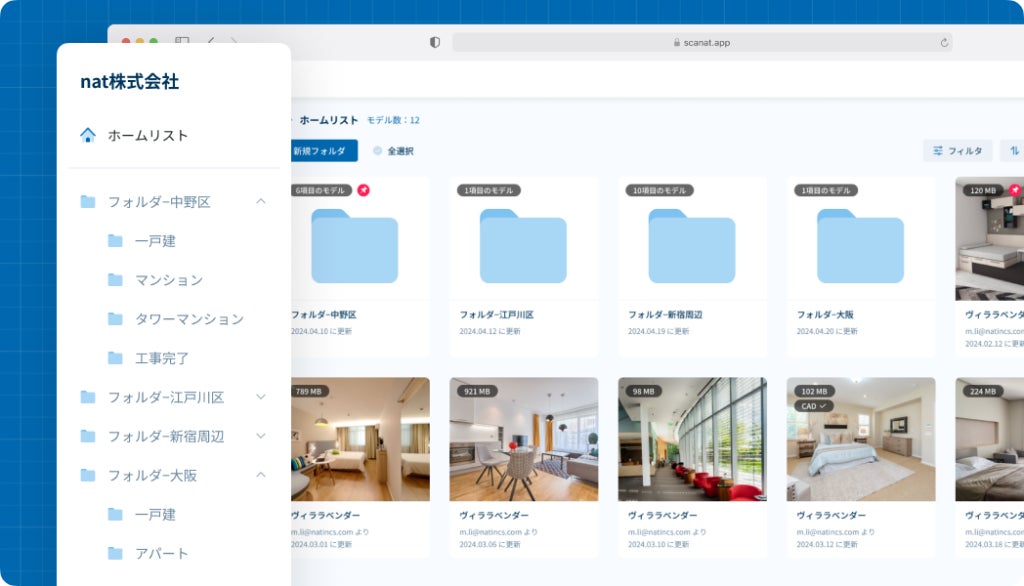
(4) Company-wide model data management capabilities
・Allows you to manage both company-wide and individual cloud data.
・You can create personal folders.
・Includes search and filtering functions for model data.
(5) Collaboration Features
・Users with Web version permissions can edit measurement data and notes simultaneously.
・Measurement data and notes added in the web version are reflected in real time for other viewers.
We will continue to work on improving and developing our features with the goal of making our service even more user-friendly.