We have released the fourth installment of our "Learn from Mr. Yoshigaki! Scanat " video series, which solves on-site challenges in just two minutes.
This video introduces Scanat —a project we launched in response to frequent requests from users asking, “How is this actually used on construction sites?”
Following our previous video on “How to Draw Scaffolding and Vehicles Using Measurement Lines, ” this fourth installment focuses on a site where a bathroom adjacent to a staircase is being renovated. We’ll demonstrate a workflow that allows you to capture the current conditions in 3D, take notes, and share the data on the spot—even on sites without blueprints.
Part 4: Renovating the Bathroom Adjacent to the Stairs
In this article, we’ll explain how Scanat features can help address challenges such ason-site surveys without blueprints, missed information in handwritten notes, and measuring complex shapes.
♦︎Even without drawings, we can create a 3D model of the current conditions on the spot
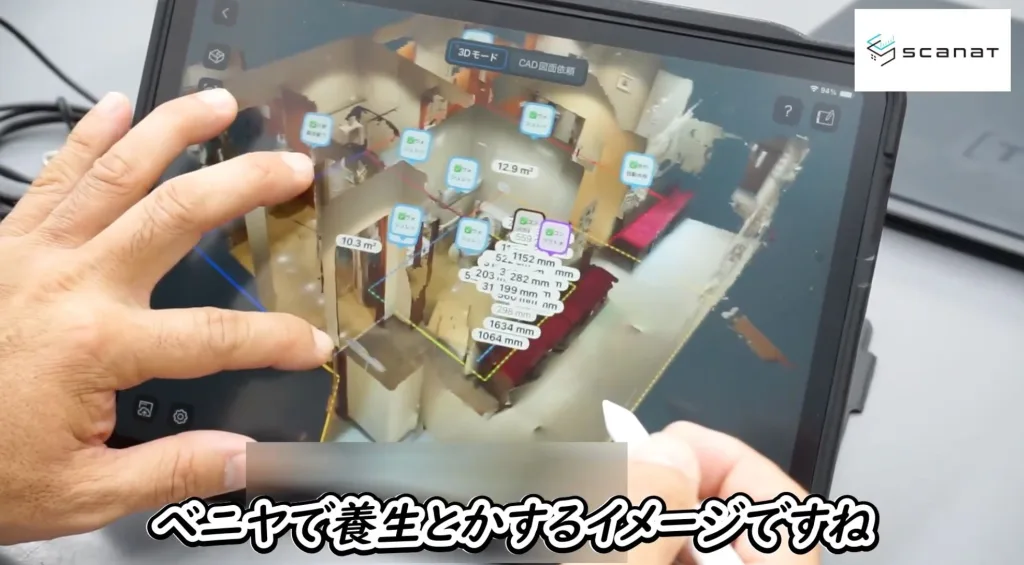
Even complex shapes, such as staircases and restrooms, can be modeled simply by scanning them.
Within the 3D model, you can instantly display the areas to be renovated, protective barriers, and work routes by using measurement lines and color-coding features.
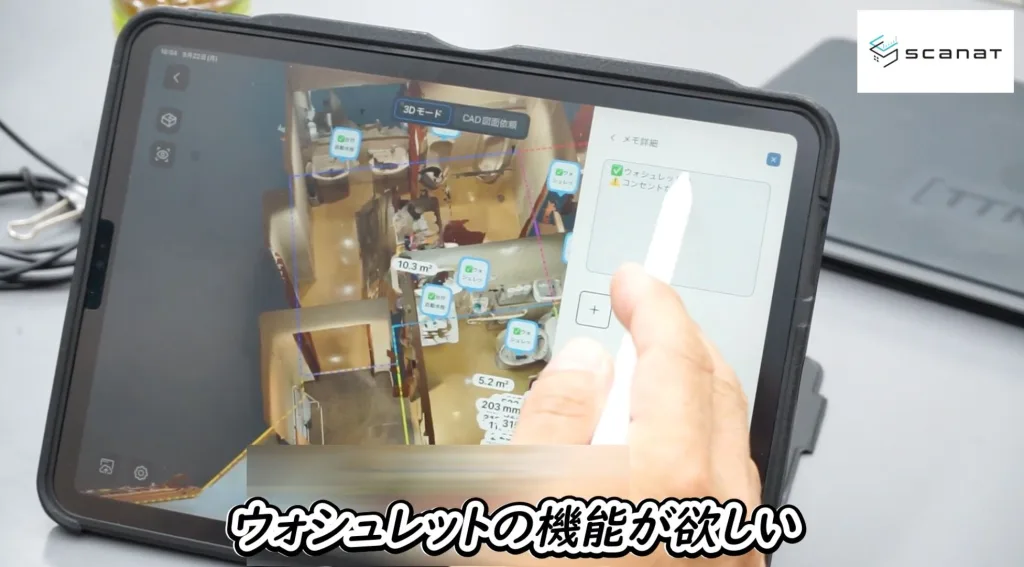
♦ Record the customer's request exactly as stated in the relevant section
For example, during a bathroom renovation, if an issue arises—such as “We’d like to install a Washlet, but there’s no outlet on-site”—we’ll record it immediately at the relevant location to ensure nothing is overlooked.
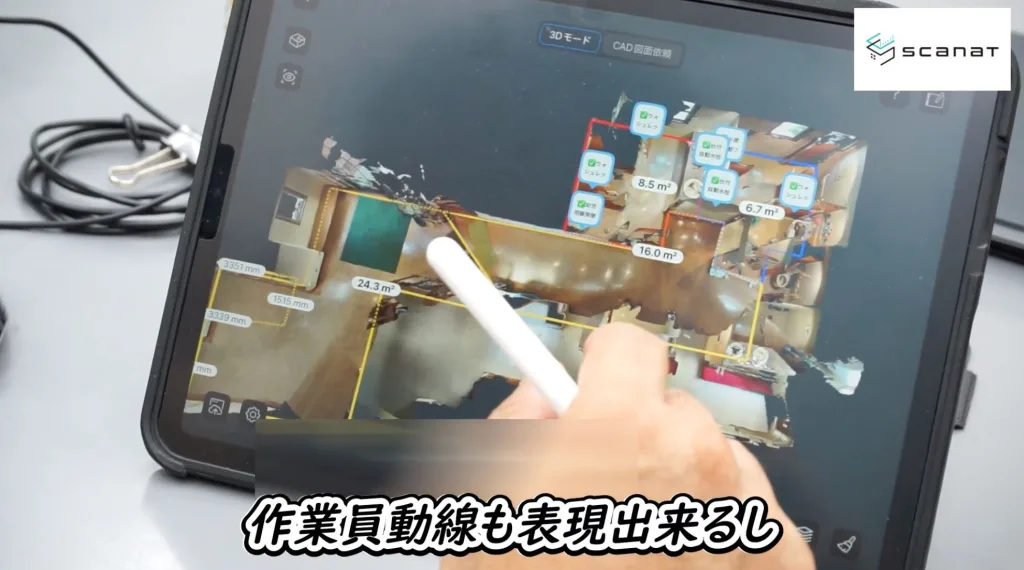
♦︎Visualization of traffic flow during construction
By creating 3D models of all areas—even those with staircases— we can visualize the protective covering plan and worker traffic patterns in three dimensions, thereby eliminating confusion during construction.
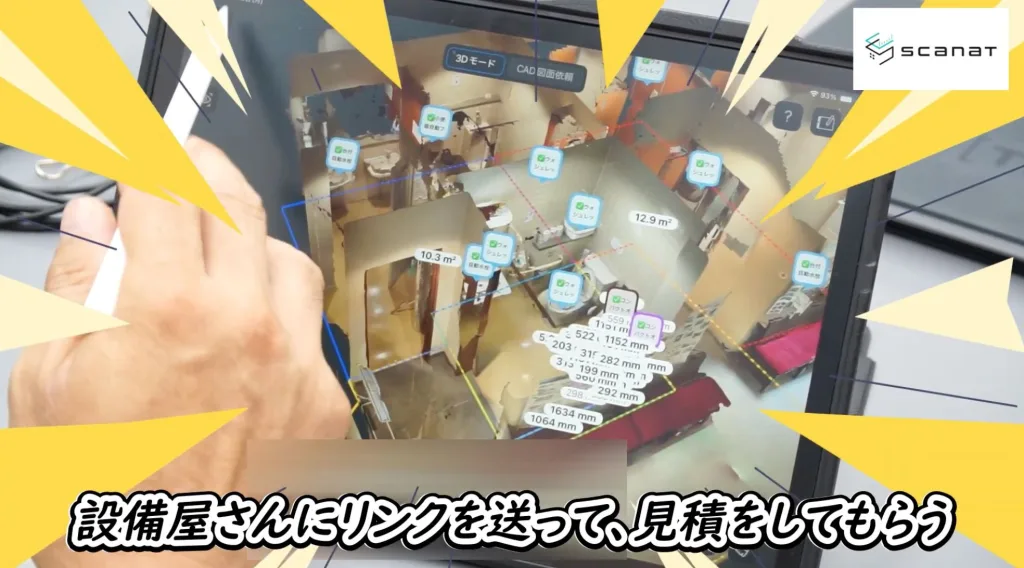
♦︎You can share Scanat with partner companies via a URL
All you need to do is send the URL to your partner companies— no more hassle with converting to PDF or requesting drawings. You can share the actual conditions on-site exactly as they are.
▶︎ Click here for the fourth video in this series
We provide detailed explanations of the following topics, using actual models as examples:
・How to organize a bathroom renovation facing a staircase
・Visualizing client requests, equipment requirements, and the scope of protective measures
・Visualizing work flow paths
Thank you for watching all four videos in the “Learn from Yoshigaki Construction! Scanat ” series at
.
We hope you’ll take advantage of President Yoshigaki’s Scanat applications,” which he uses firsthand on construction sites.
Archive Information
In Parts 1–3 of this series, we introduce practical applications that are truly useful on-site.
・Part 1: “Sharing Information with Internal Teams and Partner Companies Using the Note Feature”
・Part 2: “Layout Planning for Temporary Facilities and Calculating Water Supply Pipe Quantities”
・Part 3: “Scaffolding and Vehicle Layout Planning: Practical Guide”
If you haven't seen it yet, please be sure to watch it.